Last reviewed: 27 May 2026
XX4 Android APK Setup, Permission and Update Guide
Prepare the Android package by reviewing its source, phone compatibility, available storage, requested access and the steps used for future updates.
Visit XX4 Open account login
Checks before downloading
Before continuing, verify the Android package before you tap install
Begin by checking trust and device readiness because an APK installs software on Android. Verify where the XX4 file came from, whether its name looks normal and whether enough storage is available for an uninterrupted installation.
Download buttons should not be trusted automatically. A genuine setup path needs to be clear and direct; leave the page if it demands unrelated apps, unusual permissions or extra verification before providing the APK.
- Confirm the download page before moving ahead
- Make sure the phone has enough unused storage
- Download over a steady connection to avoid an incomplete file
- Skip altered APKs, unverified mirrors, and files shared by unknown groups
Device readiness
Confirm Android release, storage and setup readiness
Many APK failures come from limited storage, an older Android release, blocked install access or an incomplete download. Clear space, restart the phone and download one fresh file from the trusted source before blaming the app.
An APK may install successfully while demanding game screens still strain an older phone. Close apps running in the background, review power-saving settings and check available memory before reinstalling.
Practical note
Review your phone first
Leave enough free space for the APK as well as cached data, screenshots and later updates. Phones operating close to full storage are more likely to show install or loading problems.
App permissions
Go through Android permission requests carefully
Permission requests provide a quick safety check. Network or storage access may be expected, but requests for SMS, contacts, call logs or accessibility control should make you stop and verify the APK.
Rushing through permission screens creates unnecessary risk. Read every request, reject access that does not match the app's purpose and use official recovery instead of sharing an OTP or password.
- Wait for the full download before you open the file
- Read each Android permission request
- Stop the install when requested access does not match the app's purpose
- Turn off unknown-app installation access once setup is complete
New versions
A practical way to handle APK updates without losing control
Examine an APK update as carefully as a first installation. Even when a new build fixes bugs or compatibility, confirm the source, avoid patched versions and test that the app opens normally afterward.
If an update fails, remove the incomplete file, restart the phone and check whether the installed app still opens. Account problems belong in the login and recovery guide; do not cycle through random versions.
Practical note
Help with account access
If the APK installs but the account will not open, follow the login recovery instructions rather than installing another file.
Visual walkthrough
XX4 Android APK Screen Examples
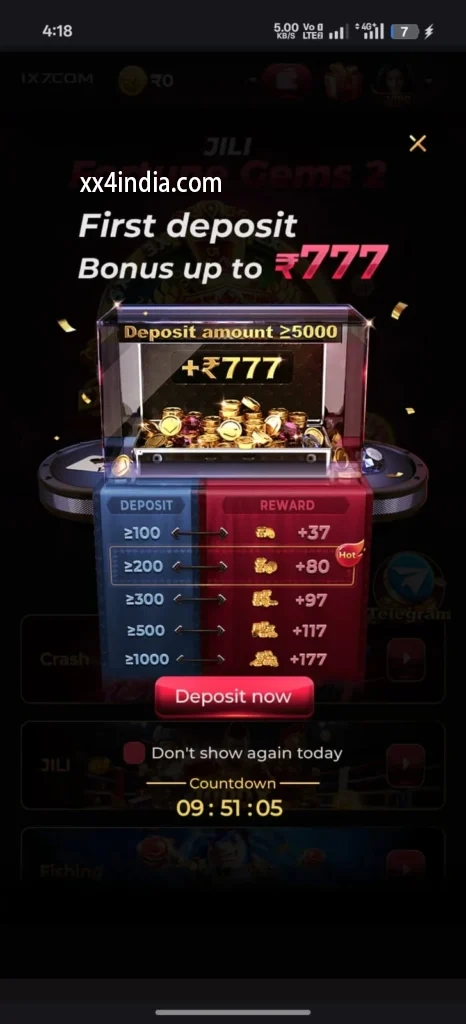
Treat these screenshots as layout references only; always follow the current prompts and account directions shown on your phone.


Recommended next steps
Choose the guide that fits your next task
See sign-in recovery steps
Use this page when an OTP, password check or login error blocks account access.
Open the Android setup guide
Review the file source, requested access, phone compatibility and update steps.
Game section overview
Compare the available sections before beginning a session on your phone.
Useful questions
Clear answers from this guide
What should be checked before the XX4 APK is installed?
Before installation, confirm the file source and name, available storage, supported Android release and every permission the package requests.
Should unknown-app installation stay enabled after setup?
No. Whether the permission was granted to a browser or file manager, switch it off as soon as the installation has finished.
Which APK permissions should make me stop and check?
Pause the setup if the package asks for contacts, SMS, call history or accessibility control without a clear function that requires such access.
Can a newer APK replace the installed XX4 app?
Android can often install a newer package over the existing app. Proceed only when the file comes from a trusted source and is not an altered or unverified build.