
Games
Editorial check completed on 27 May 2026: The article provides practical guidance on one mobile task without suggesting account shortcuts, requesting sensitive data or using exaggerated reward claims.
Select games you understand
Animated screens may draw attention, but a suitable first choice is a game whose rules and pace you understand. Examine the buttons and labels before you begin.
A result screenshot cannot explain the rules, limits or phone requirements, so do not use it as the reason for selecting a game.
Reduce mistaken taps on small screens
On a small display, notifications, moisture, screen protectors and lag can all change how taps register. Clean the screen, silence distractions and use a steady connection before the session.
If a button appears unresponsive, wait for the screen to update. Pressing repeatedly during lag can register unintended actions.
- Read the rules shown inside the game
- Load a single game first
- Pause notifications that may hide on-screen buttons
- End the session at the limit decided earlier
Use different habits for different game sections
Fast titles demand short periods of attention, card-style games require clear understanding of labels and outcomes, and reward sections require term checks. Adjust the approach to each category.
A useful game guide should help users choose carefully and know when to stop, rather than encouraging more play.
Confirm a game before you begin
Use the first moments in a new game to study the layout, labels and stopping point. Leave the screen and read more whenever the rules remain unclear.
Visual walkthrough
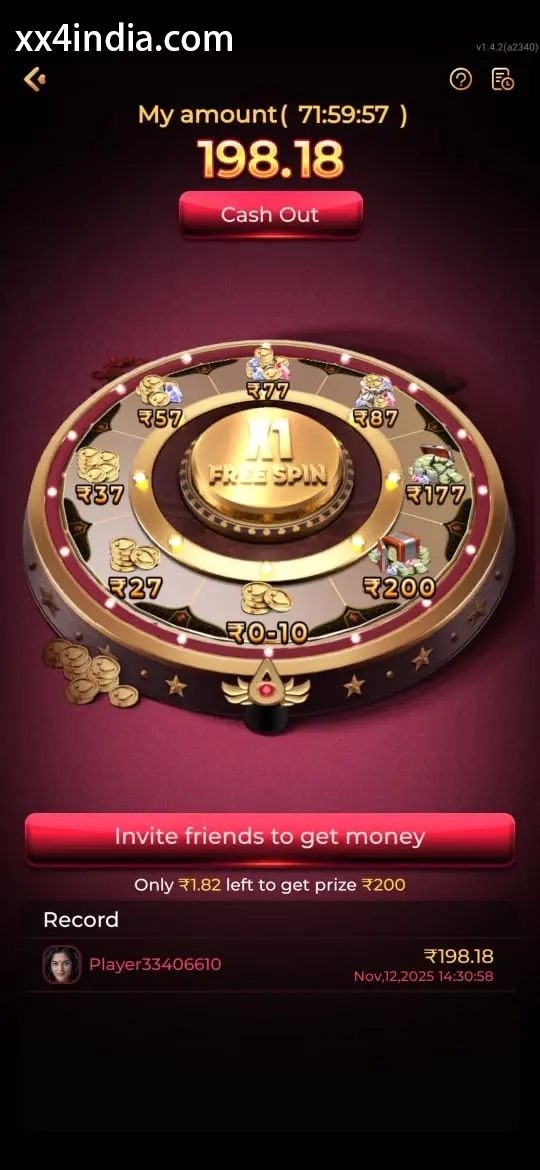
XX4 Game Selection Screen Reference
Treat these screenshots as layout references only; always follow the current prompts and account directions shown on your phone.
Continue with the right topic
Use the Android APK permissions guide for installation issues, then the sign-in recovery page for OTP or password trouble, the account setup guide for new-account setup, and the game section guide for rules, categories and phone-based play.